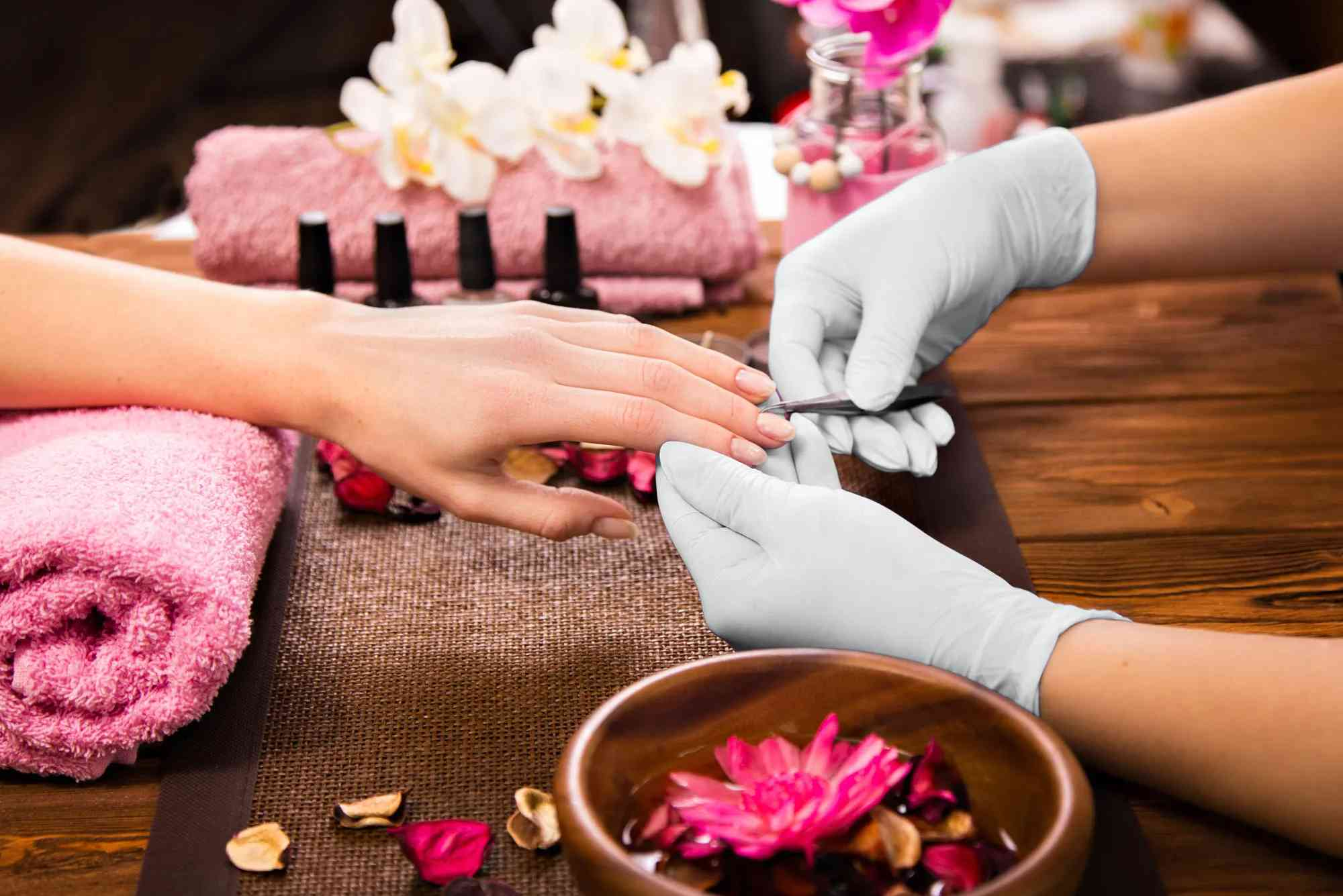
Perfect Beauty Salon Cover Photo Ideas for Facebook & Instagram
In the world of social media, first impressions matter more than ever—especially for beauty salons. Your cover photo is the first thing potential clients see when they land on your Facebook or Instagram page. That’s why designing the perfect beauty salon cover photo is not just about aesthetics—it’s about branding, communication, and attracting your dream clients.
Whether you’re showcasing your salon’s interior, your team’s skills, or before-and-after makeovers, your cover photo must represent your salon’s identity in a single glance. With the right image, layout, and strategy, your beauty salon’s online presence can look as polished and professional as the services you offer.
Why Your Beauty Salon Cover Photo Matters
Your beauty salon cover photo acts as your visual welcome mat. It’s a branding tool, a promotional banner, and a trust signal all rolled into one. In seconds, it tells your audience who you are and what they can expect from you.
On Facebook, the cover photo spans the top of your page—big and bold. On Instagram, while the layout differs, the aesthetic harmony of your feed and profile image is crucial, and your highlight covers and first few rows serve a similar function. If your visuals are dull or outdated, people might scroll past—even if your salon is amazing in real life.
An effective beauty salon cover photo sets the tone. It should reflect your services, mood, and professionalism. The key lies in intentional design that tells a compelling visual story.
Key Elements of a Great Beauty Salon Cover Photo
Clarity and Focus
Your cover photo should clearly reflect what your salon offers. Whether it’s hair styling, nail art, facials, or makeup, make sure the subject is unmistakable. High-resolution images with natural lighting can capture those details beautifully.

Consistent Branding
Your logo, color palette, and overall vibe should match across all platforms. If your brand colors are soft pink and gold, for example, incorporate those hues into your cover photo. It makes your salon memorable and builds trust.
Showcase Your Services or Style
Do you specialize in balayage? Are you known for bold nail designs? Highlight your strengths visually. Instead of using generic stock photos, use real shots of your work. Real, local clients add authenticity to your brand.
Add Text Wisely
Strategically placed text like your salon’s name, tagline, or latest promotion can enhance your cover image—especially on Facebook. But be careful not to clutter the space. Choose elegant fonts, stick to a few words, and ensure readability across devices.
Mobile Optimization
Always test how your beauty salon cover photo appears on mobile. What looks great on desktop might get cut off on a phone. Center the key visuals and text to avoid awkward cropping.
Beauty Salon Cover Photo Ideas to Inspire You
The Transformation Shot
Before-and-after images are powerful. They show your skills in action and offer proof of results. Choose a transformation that best represents your signature work. Whether it’s a bridal makeover or a full hair color revamp, these shots can be irresistible.
Team Behind the Magic
Highlight your team of stylists, estheticians, and nail techs. People love seeing the faces behind a business. A smiling, confident team photo builds trust and connection instantly.
Sleek Interior Showcase
A modern and clean salon interior can be a great visual hook. It gives potential clients a glimpse of the ambiance and atmosphere they’ll experience. If your space is beautifully designed, let it shine in your cover photo.
Seasonal or Promotional Themes
Update your cover photo with seasonal colors or current promotions. If it’s summer, feature fresh summer styles. Around the holidays, highlight festive looks. For a limited-time deal, your cover image is a great place to promote it visually.
Flat Lay Product Displays
A curated image of your salon’s premium products or tools adds a luxurious feel. Arrange your skincare, nail polish, or hair care items in a stylish flat lay and capture it with great lighting and sharp focus.
Client Candid Moments
Candid moments of happy clients during or after their treatments bring warmth and authenticity. These types of photos feel less staged and more real, which resonates well on social media.
Minimalist Logo + Mood Image
Sometimes less is more. A clean background with your logo in the center and a subtle mood image can create a high-end, minimalist impression. This works especially well for upscale salons targeting premium clientele.
Platform-Specific Design Tips
Facebook Cover Photo Tips
Facebook cover dimensions are 820×312 pixels on desktop and 640×360 pixels on mobile. Always design within a “safe zone” (center area) to avoid cut-off elements. Use a JPG or PNG under 100 KB for fast loading.
If you want to add clickable CTAs, consider Facebook’s cover video feature. You can turn your beauty salon cover photo into a slideshow or video showing different services.
Instagram Profile Aesthetics
Although Instagram doesn’t have a traditional cover photo, the first impression still matters. The top six to nine posts on your grid act as your visual portfolio. You can create a cohesive cover “vibe” by using consistent filters, highlight covers, and coordinated imagery.
Also, create custom Instagram Story highlight covers with icons like scissors, nails, or a face mask to keep your brand looking polished.
How to Create a Beauty Salon Cover Photo That Converts
Use Free Tools and Templates
You don’t need to be a graphic designer to make stunning visuals. Use tools like Canva, Adobe Express, or VistaCreate. They offer pre-made templates sized perfectly for Facebook and Instagram.
Hire a Photographer or Use a Ring Light
If you want professional results, hire a local photographer for a brand shoot. Can’t afford one? Use a ring light, your phone’s portrait mode, and some editing apps like Lightroom or Snapseed to enhance your images.
Keep It Fresh
Update your cover photo every few months. This keeps your profile looking active and relevant. Seasonal updates or new service launches are great opportunities for fresh visuals.
Analyze Engagement
Pay attention to how your audience responds. Which cover photos get the most clicks, likes, or messages? This feedback helps you refine your future content.
Common Mistakes to Avoid
Avoid using blurry or pixelated images. Don’t crowd the space with too much text. Avoid stock photos that don’t match your actual services. Steer clear of colors or fonts that clash with your brand. Also, never leave the same cover photo up for years—it sends the wrong message about your salon’s energy.
Your Cover Photo Is Your Digital First Impression
Your beauty salon cover photo is more than a pretty picture—it’s a strategic asset for building trust, showcasing your services, and inviting new clients in. With thoughtful design, consistent branding, and updated visuals, your Facebook and Instagram profiles can become powerful marketing tools.
If you’re ready to elevate your salon’s social media presence, start by refreshing your cover photo today.
FAQs
What size should a beauty salon Facebook cover photo be?
The ideal size for a Facebook cover photo is 820×312 pixels on desktop and 640×360 pixels on mobile. Center your key elements to avoid cropping issues.
Can I use a video instead of a photo for my Facebook salon cover?
Yes, Facebook allows cover videos. You can upload a video that’s 20-90 seconds long with dimensions of 820×312 pixels. Use this feature to show different services or a time-lapse of a makeover.
How often should I change my beauty salon cover photo?
It’s good practice to update your cover photo every 3–4 months or during special promotions, seasons, or new service launches.
Should I include my salon’s logo in the cover photo?
Yes, including your logo helps with branding. Just make sure it doesn’t overpower the main visual and remains legible on all devices.
Can I design my own beauty salon cover photo without Photoshop?
Absolutely. Tools like Canva and Adobe Express offer easy drag-and-drop templates. You can create professional-quality cover photos without any design experience.