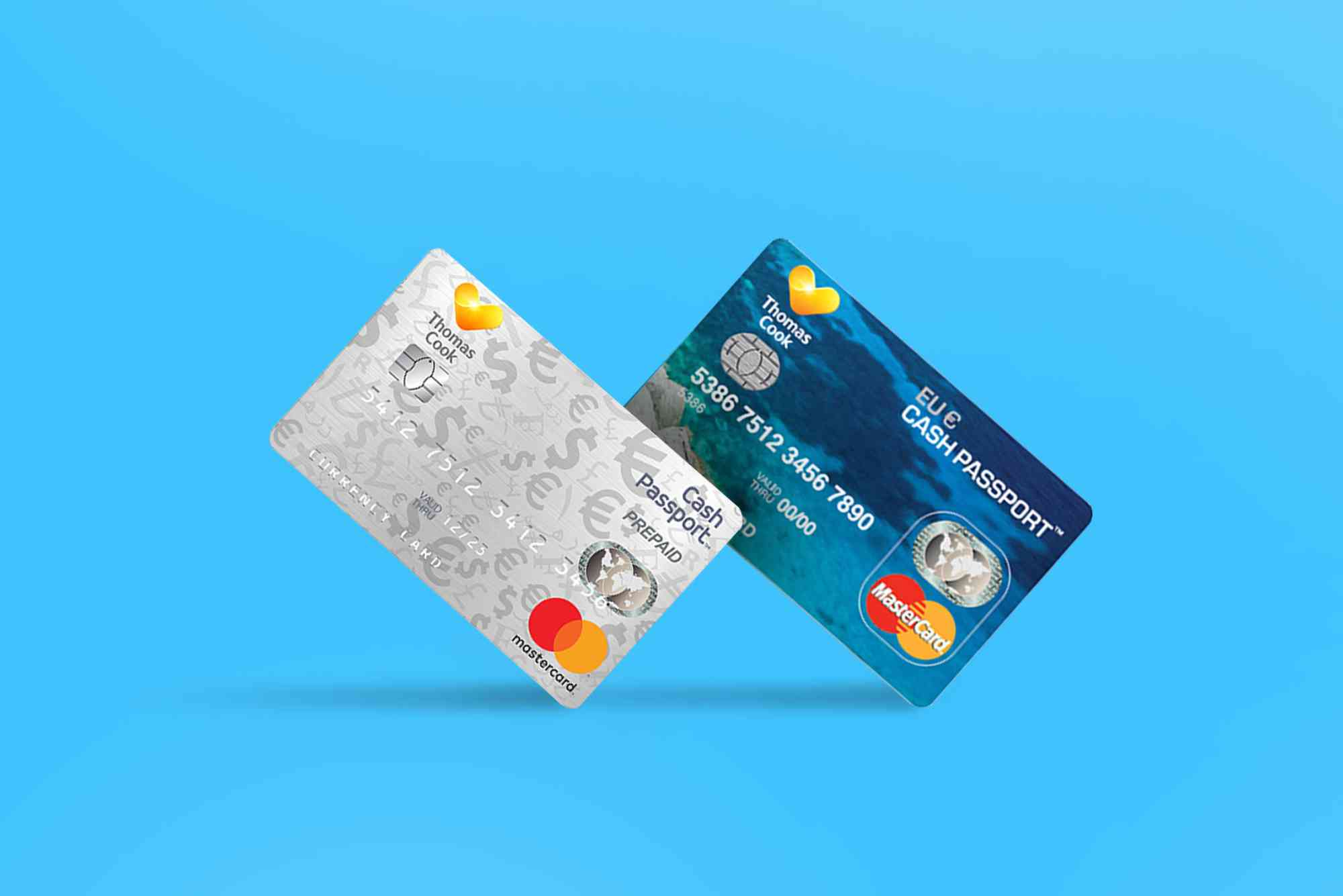
How to Check Your Thomas Cook Travel Card Balance Online
Traveling abroad involves careful planning, especially when it comes to managing your finances. The Thomas Cook Travel Card offers a secure and convenient way to carry foreign currency, eliminating the hassles of cash or exchange rates. But to make the most of it, you need to keep track of your card balance regularly. In this guide, we will walk you through how to perform a Thomas Cook travel card balance check online effortlessly, ensuring you stay in control of your spending while on the go.
Understanding the Thomas Cook Travel Card
Before diving into the balance check process, it’s important to understand what a Thomas Cook Travel Card is and why it’s beneficial. This prepaid card allows travelers to load multiple foreign currencies and use it globally just like a debit or credit card. It helps you avoid fluctuating exchange rates, ATM charges, and provides enhanced security compared to carrying cash.
Knowing your card balance at any given time prevents unexpected declines during transactions and helps you budget better during your trip. The easiest and fastest way to do this is by checking your balance online.
Why Check Your Thomas Cook Travel Card Balance Online?
Managing your travel funds efficiently depends heavily on real-time information. Checking your Thomas Cook travel card balance online offers several advantages:
- Instant Access: Get up-to-date information anytime, anywhere.
- Avoid Declined Transactions: Know your exact balance before making purchases.
- Secure and Convenient: No need to visit a branch or call customer care.
- Track Your Spending: Helps in budgeting and prevents overspending.
- Multiple Currency Awareness: For multicurrency cards, you can check balances in all loaded currencies.
With these benefits, performing a Thomas Cook travel card balance check online is a must for every traveler.
How to Check Your Thomas Cook Travel Card Balance Online
The process to check your Thomas Cook travel card balance online is straightforward and user-friendly. You have multiple options, including the official website, mobile app, and SMS service.

Using the Thomas Cook Website
Visit the official Thomas Cook Money website, where you can log in to your account and access your travel card information.
- Go to the Thomas Cook Money portal.
- Click on the travel card login option.
- Enter your credentials—typically your card number and password or PIN.
- Once logged in, you can see your available balance and recent transactions.
The website provides a secure platform to view all your balance details instantly.
Using the Thomas Cook Mobile App
Thomas Cook has a dedicated mobile app designed to manage your travel card easily.
- Download the Thomas Cook Money app from your smartphone’s app store.
- Register or log in using your travel card details.
- Navigate to the balance section to view your current balance.
- The app also allows you to reload your card and track transactions in real time.
This is a convenient option if you want to check your balance on the move without opening a browser.
Checking Balance via SMS
If you don’t have immediate internet access, Thomas Cook also provides SMS services.
- Send an SMS with your card details to the designated number provided by Thomas Cook.
- You will receive a reply with your current balance.
- This method may incur standard SMS charges depending on your service provider.
SMS checking is quick but less detailed compared to the app or website.
Tips for a Smooth Thomas Cook Travel Card Balance Check
While the process is simple, here are some tips to ensure you can check your balance without issues:
- Keep Your Login Details Safe: Always protect your username, password, and PIN.
- Use Secure Internet Connections: Avoid public Wi-Fi when accessing your account to reduce hacking risks.
- Update Your Mobile App: Keep your app updated for the best experience and security.
- Register Your Contact Details: Ensure your phone number and email are updated for SMS alerts and notifications.
- Check for Notifications: Thomas Cook often sends balance alerts—keep an eye on these to monitor your spending.
Following these steps will help you use the online balance check features efficiently.
Common Issues and How to Resolve Them
Sometimes users face difficulties while performing a Thomas Cook travel card balance check online. Here’s how to troubleshoot common problems:
- Forgot Login Credentials: Use the ‘Forgot Password’ option on the website or app to reset your password via email.
- Website or App Not Loading: Check your internet connection or try clearing your browser/app cache.
- Balance Not Updating: Allow some time after transactions for balance updates or contact customer support if the problem persists.
- Card Not Activated: Make sure your travel card is activated before use, usually done at purchase or first use.
If problems persist, contact Thomas Cook customer care for assistance.
Why Keeping Track of Your Travel Card Balance Matters
Monitoring your balance is essential to avoid inconvenience during your travels. Running out of funds unexpectedly can disrupt plans and cause stress. Keeping tabs on your balance ensures you:
- Maintain control over your budget.
- Avoid transaction failures at stores or ATMs.
- Detect any unauthorized transactions quickly.
- Plan reloads or currency conversions ahead of time.
Ultimately, regular balance checks contribute to a smooth travel experience.
Stay In Control with Thomas Cook Travel Card Balance Check
Managing your finances on an international trip is crucial, and the Thomas Cook Travel Card makes it easier. However, knowing your card balance at all times is key to avoiding surprises and staying within budget. Whether through the official website, mobile app, or SMS, performing a Thomas Cook travel card balance check online is quick, secure, and convenient.
So, don’t wait until you’re abroad and stuck. Regularly check your balance and enjoy your travel stress-free. Ready to get started? Visit the Thomas Cook Money website or download the app now and keep your finances in check effortlessly.
FAQs
How can I check my Thomas Cook travel card balance without internet?
You can check your balance via SMS by sending your card details to the designated Thomas Cook number and receiving an instant reply with your balance.
Is it safe to check my travel card balance online?
Yes, as long as you use official websites or apps and secure internet connections, it is safe to check your balance online.
Can I check the balance of multiple currencies on my Thomas Cook card?
Yes, if you hold a multicurrency travel card, you can view balances for each currency loaded on your card via online platforms.
How often is my Thomas Cook travel card balance updated?
The balance updates immediately after transactions, but sometimes there may be a slight delay of a few minutes.
What should I do if my travel card balance is incorrect?
Contact Thomas Cook customer support immediately to report discrepancies and resolve the issue.