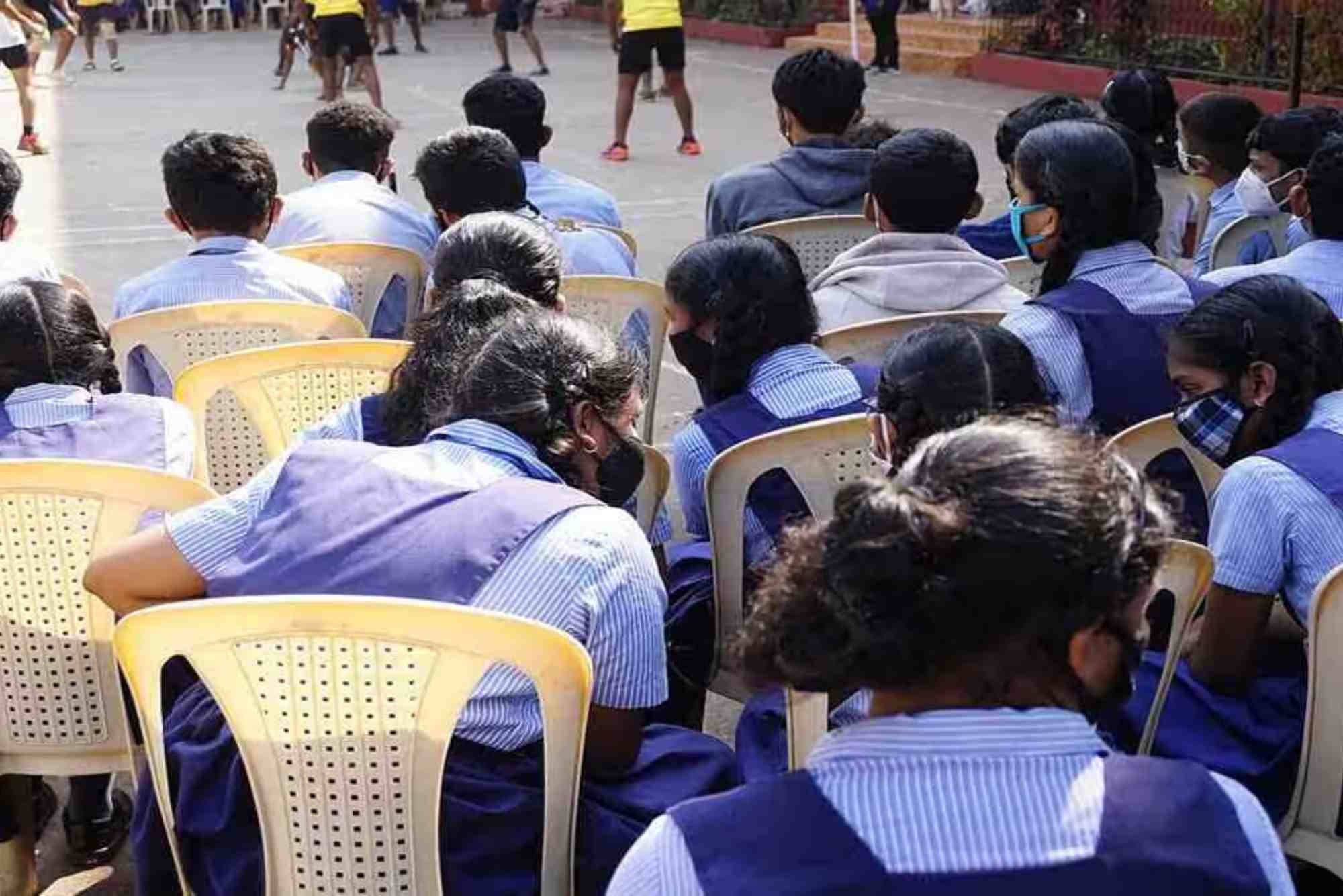
Samastha Public Exam Result: How to View Your Grades Online
Samastha public exams are a crucial milestone for many students. Every year, thousands wait eagerly for their results to know how well they performed. Thanks to digital advancements, checking your Samastha public exam result online has become quick and convenient. If you’re wondering how to view your grades online, this guide will walk you through the entire process with clarity and ease.
Whether you’re a student, parent, or educator, understanding how to access the Samastha exam results online is important. This article covers everything from the announcement of results to detailed steps on checking your marks, along with helpful tips and answers to common questions. Let’s dive right in!
Understanding the Samastha Public Exam Result
Samastha, formally known as the Samastha Kerala Jem-iyyathul Ulema, conducts public examinations annually for students enrolled in various affiliated madrasas and schools. These exams are well-recognized and serve as a benchmark for academic progress in religious and secular studies.
The Samastha public exam result is officially released on the designated date, usually on their official website. These results reflect a student’s academic performance across subjects and help determine the next steps in their education or career.
Importance of Checking Results Online
The traditional way of checking exam results involved visiting the school or madrasa. However, the digital system has made it easier for students from any location to instantly access their results. Online access offers several advantages:
- Immediate Availability: Results are posted online as soon as they are announced.
- Accessibility: Students can check results anytime from anywhere.
- Paperless: Reduces the hassle of collecting physical result sheets.
- Verification: Official websites ensure authenticity and accuracy.
Knowing how to check your Samastha public exam result online ensures you stay updated without unnecessary delays.

Guide to Check Your Samastha Public Exam Result
Checking your results online might seem daunting if you are unfamiliar with the process. Follow these simple steps to access your grades without stress.
Visit the Official Samastha Website
Start by opening your preferred web browser and navigating to the official Samastha Kerala Jem-iyyathul Ulema website. The URL is usually www.samastha.info or the specifically designated result portal linked from the main site.
Always ensure you visit the official site to avoid misinformation or fake result portals.
Navigate to the Exam Results Section
On the homepage, look for a menu or link labeled “Exam Results,” “Public Exam Result,” or something similar. This section is dedicated to publishing all recent exam results, including the Samastha public exam result.
Select Your Exam Year and Type
Once you access the exam results page, you will likely be asked to choose the exam session or year. Select the relevant year when you appeared for the exam. Additionally, choose the exam type or class level (such as primary, secondary, or higher secondary).
Enter Your Roll Number or Registration Number
To access your individual results, you must enter your unique roll number or registration number provided during your exam registration. Double-check this number for accuracy as any mistake will prevent you from viewing your result.
Submit and View Your Result
After entering your details, click the “Submit” or “View Result” button. Your Samastha public exam result should appear on the screen shortly. You can see subject-wise marks, total score, and overall status (pass/fail).
Download or Print Your Result
For future reference, download a digital copy or print your result page. This is especially useful when applying for further studies or jobs.
Tips for Checking Samastha Public Exam Result Online
To avoid common issues, keep the following tips in mind:
- Use a stable internet connection to prevent interruptions.
- Clear your browser cache if the result page does not load properly.
- Avoid third-party websites claiming to provide results unless officially authorized.
- Keep your exam roll number handy before visiting the website.
- If you face any technical difficulties, try accessing the site during off-peak hours.
What to Do After Checking Your Samastha Public Exam Result
Receiving your exam results is just the beginning. Here’s what you should consider next:
- Analyze Your Performance: Review your marks honestly to identify strong and weak areas.
- Contact Your Institution: If you find any discrepancies, immediately contact your school or Samastha’s support center.
- Plan Your Next Steps: Depending on your result, decide whether to pursue further studies, apply for higher courses, or explore vocational options.
- Collect Official Certificates: After online results, institutions usually distribute official mark sheets and certificates. Keep an eye on announcements.
Common Issues While Accessing Samastha Public Exam Result
Sometimes, students encounter problems while checking results online. The most frequent issues include website crashes due to heavy traffic, incorrect roll number input, or server maintenance. Staying calm and following official updates helps solve these problems promptly.
FAQs
How can I check my Samastha public exam result online?
Visit the official Samastha website, navigate to the exam results section, select your exam year and type, enter your roll number, and submit to view your results.
When is the Samastha public exam result announced?
The exact date varies yearly, but results are typically announced a few weeks after exams conclude. Official announcements are made on the Samastha website and affiliated institutions.
What if I forget my exam roll number?
Contact your school or madrasa administration. They usually keep records and can provide your roll number for checking results.
Can I get a re-evaluation of my Samastha exam result?
Yes, Samastha generally offers a re-evaluation or rechecking option. Check the official website for guidelines and deadlines to apply for this service.
Is the Samastha public exam result available on third-party websites?
It’s safest to check results only on the official Samastha portal to avoid misinformation or scams.