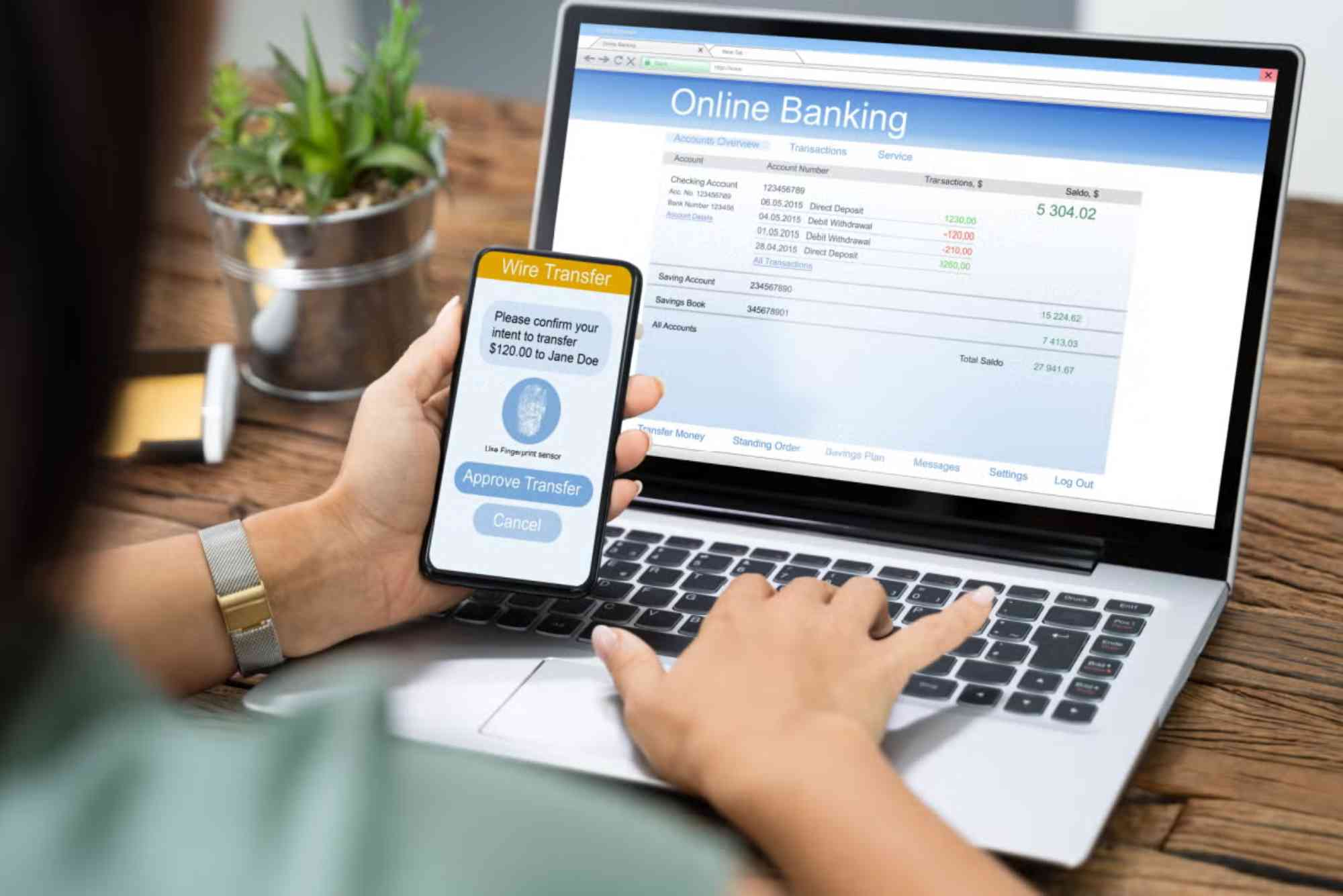
In today’s fast-paced digital world, managing finances online isn’t just a convenience—it’s a necessity. Bank Asia online banking registration enables customers to access banking services from anywhere, anytime, without visiting a branch. Whether you’re paying bills, checking your balance, or transferring funds, the entire process becomes seamless once you’re registered.
In this guide, you’ll learn exactly how to register for Bank Asia’s online banking platform, what you’ll need, common troubleshooting tips, and how to stay safe while banking online.
Why Choose Bank Asia Online Banking?
With a reputation for innovation and customer-first service, Bank Asia is a trusted name in Bangladesh’s financial sector. Their online banking platform is designed for simplicity and security, offering a wide range of services right from your computer or smartphone.
Convenient Access to Services
Once you complete your Bank Asia online banking registration, you can:
- View account balances
- Download account statements
- Transfer funds between accounts
- Pay utility bills
- Apply for services like cheque books and cards
All this is available 24/7—no more standing in lines or dealing with banking hours.
What You Need Before You Register
Before you begin your Bank Asia online registration, make sure you have the following:

- An active Bank Asia account
- A valid mobile number registered with the bank
- Your National ID (NID) or passport
- A stable internet connection
- Access to your registered email address
Ensuring these are ready will help you avoid interruptions during the process.
Step-by-Step: Bank Asia Online Banking Registration
Visit the Official Bank Asia Website
To begin, go to https://www.bankasia-bd.com. On the homepage, locate the “Online Banking” section.
Select ‘Register’ or ‘New User’
Click on the “New Registration” button, usually located near the login panel. You’ll be redirected to the self-registration form.
Fill in the Required Details
Enter the following information accurately:
- Account Number
- Registered Mobile Number
- Date of Birth
- National ID or Passport Number
Make sure every detail matches your records with the bank.
Verify via OTP
Once submitted, an OTP (One-Time Password) will be sent to your registered mobile number. Enter this OTP to verify your identity.
Set Up Login Credentials
Create a secure username and password. You’ll also be asked to choose security questions to recover your account if needed.
Confirm and Submit
Review your details. Once confirmed, click “Submit” to complete your Bank Asia online banking registration.
You’ll receive a confirmation email or SMS, and your account will be ready to use within minutes.
Features Available After Registration
Once your account is active, you can enjoy a variety of features, including:
Fund Transfers
Transfer funds between your own accounts or to other Bank Asia accounts. Some interbank transfers are also supported via BEFTN or NPSB.
Bill Payments
Pay utility bills, mobile top-ups, and internet bills easily without needing to visit any service centers.
Account Management
Check your balance, track transactions, and download statements—all from the dashboard.
Loan and Card Requests
Apply for a credit card or personal loan, check your eligibility, and get updates—all online.
Security Tips for Safe Online Banking
While Bank Asia uses advanced encryption to protect your data, it’s important to take extra precautions:
Use Strong Passwords
Avoid using easily guessed passwords like your birthdate or phone number. Mix uppercase, lowercase, numbers, and symbols.
Avoid Public Wi-Fi
Always log in using a secure and private connection. Public networks can be vulnerable to data breaches.
Enable Two-Factor Authentication
Whenever available, turn on two-factor authentication for an added layer of protection.
Monitor Account Activity
Check your account regularly for unauthorized transactions. Report anything suspicious immediately.
Troubleshooting Common Issues
OTP Not Received
Make sure your mobile number is registered with the bank and is active. Network delays can also cause OTP delays.
Registration Page Not Loading
This might be due to browser issues. Try clearing your cache or switching to a different browser.
Password Not Working
Double-check for typos and ensure your Caps Lock is off. If needed, use the “Forgot Password” feature to reset.
Bank Asia Online Banking: Mobile App Option
Prefer banking on the go? After registering online, download the Bank Asia Smart App from the Google Play Store or Apple App Store. Log in with your credentials to access full mobile banking functionality.
The app mirrors the web platform and provides extra convenience for mobile-first users.
FAQs About Bank Asia Online Banking Registration
How do I activate Bank Asia online banking?
You can activate it by visiting the official website, entering your details, and verifying via OTP. Follow the step-by-step guide above.
Is Bank Asia online banking free?
Yes, registration and usage are free for personal account holders. However, certain transactions may incur minimal fees.
Can I register without visiting a branch?
Absolutely. You can complete your Bank Asia online banking registration entirely online, from any location with internet access.
What should I do if I forget my password?
Click on the “Forgot Password” option on the login page. You’ll receive instructions via SMS or email to reset your password.
Is online banking with Bank Asia safe?
Yes. Bank Asia uses encryption, OTP verification, and secure login methods to ensure user safety. You can also enable extra security features.